Notebooks as PDF reports shows the simplest way to make a PDF from a notebook, with Quarto and Typst, and how to hide code, highlight it and keep lines short. Start there. This page covers the tools that give a PDF a different look, such as a journal’s layout, and the software each one needs. As before, each step is a prompt for your Kilo Code agent, which runs the commands in a terminal for you. Read what the agent proposes before you approve it.
Tools and their software
We tested each tool on the DataHub image. Only the first needs no extra software.
| Tool | Look of the PDF | Extra software |
|---|---|---|
| Quarto with Typst | clean report | none |
| Quarto with LaTeX | classic LaTeX article | TinyTeX |
| nbconvert, and the Export menus in VS Code and JupyterLab | Jupyter notebook with In [1]: prompts, in LaTeX | TinyTeX and one more LaTeX package |
| nbconvert WebPDF | the notebook as it looks in a web browser | Chromium |
| MyST | the layout of a journal or preprint server | MyST, and TinyTeX for some templates |
Software you install goes into your home directory, so it stays on DataHub between sessions, but it takes space: about 470 MB for TinyTeX and 280 MB for Chromium.
LaTeX with TinyTeX
TinyTeX is a small LaTeX distribution. Quarto can install it, but the version it installs needs two extra steps before the VS Code and JupyterLab export menus can use it. These are the exact commands we tested, so give them to Kilo Code as they are:
Install TinyTeX for my user by running these commands in the terminal, one at a
time, and stop if any of them fails:

quarto install tinytex --no-prompt
~/.TinyTeX/bin/x86_64-linux/tlmgr update --self
~/.TinyTeX/bin/x86_64-linux/tlmgr install titling
mkdir -p ~/.local/bin
~/.TinyTeX/bin/x86_64-linux/tlmgr option sys_bin ~/.local/bin
~/.TinyTeX/bin/x86_64-linux/tlmgr path add

Then check that `which xelatex` prints a path in ~/.local/bin.
The last two commands link the LaTeX programs into ~/.local/bin, a folder where DataHub
already looks for programs. When a later export stops with an error such as
File `something.sty' not found, ask Kilo Code to install the missing LaTeX package with
tlmgr install.
Quarto with LaTeX
With TinyTeX installed, Quarto makes a LaTeX PDF from the same notebook and front matter, using
--to pdf in place of --to typst. LaTeX does not wrap long lines of code unless you add these
lines to the front matter under format:. Long lines of printed output still run off the page.
format:
  pdf:
    include-in-header:
      text: |
        \usepackage{fvextra}
        \DefineVerbatimEnvironment{Highlighting}{Verbatim}{breaklines,commandchars=\\\{\}}
Render esa.ipynb to PDF with LaTeX by running
`quarto render esa.ipynb --to pdf` in the terminal.nbconvert and the export menus
nbconvert is Jupyter’s own converter, and the export menus in VS Code and JupyterLab call it. Once TinyTeX is installed the menus work. nbconvert ignores Quarto’s front matter, and it uses the file name as the title unless you give it one:
Convert esa.ipynb to PDF by running this in the terminal:
jupyter nbconvert --to pdf esa.ipynb --LatexPreprocessor.title="Climate change in ESA listing rules" --LatexPreprocessor.author_names="Your Name"
Add --no-input to leave out all code.
WebPDF with Chromium
nbconvert can also print the notebook with a web browser, so the PDF looks like the notebook on screen. Long lines of code are cut off at the right edge instead of wrapping.
Install a headless Chromium browser for my user with
`playwright install --only-shell chromium`, then run
`jupyter nbconvert --to webpdf esa.ipynb` in the terminal.
Journal article formats
Journals each have their own layout, with an abstract, author affiliations, key points and a data availability statement. MyST, the Jupyter project’s publishing system, exports a notebook in the layout of a particular journal or preprint server from one set of front matter. This course website is built with MyST.
Template gallery
Each card shows the first page of a template. Click a card for the template’s source and an example. The name under each picture is what goes in the front matter.
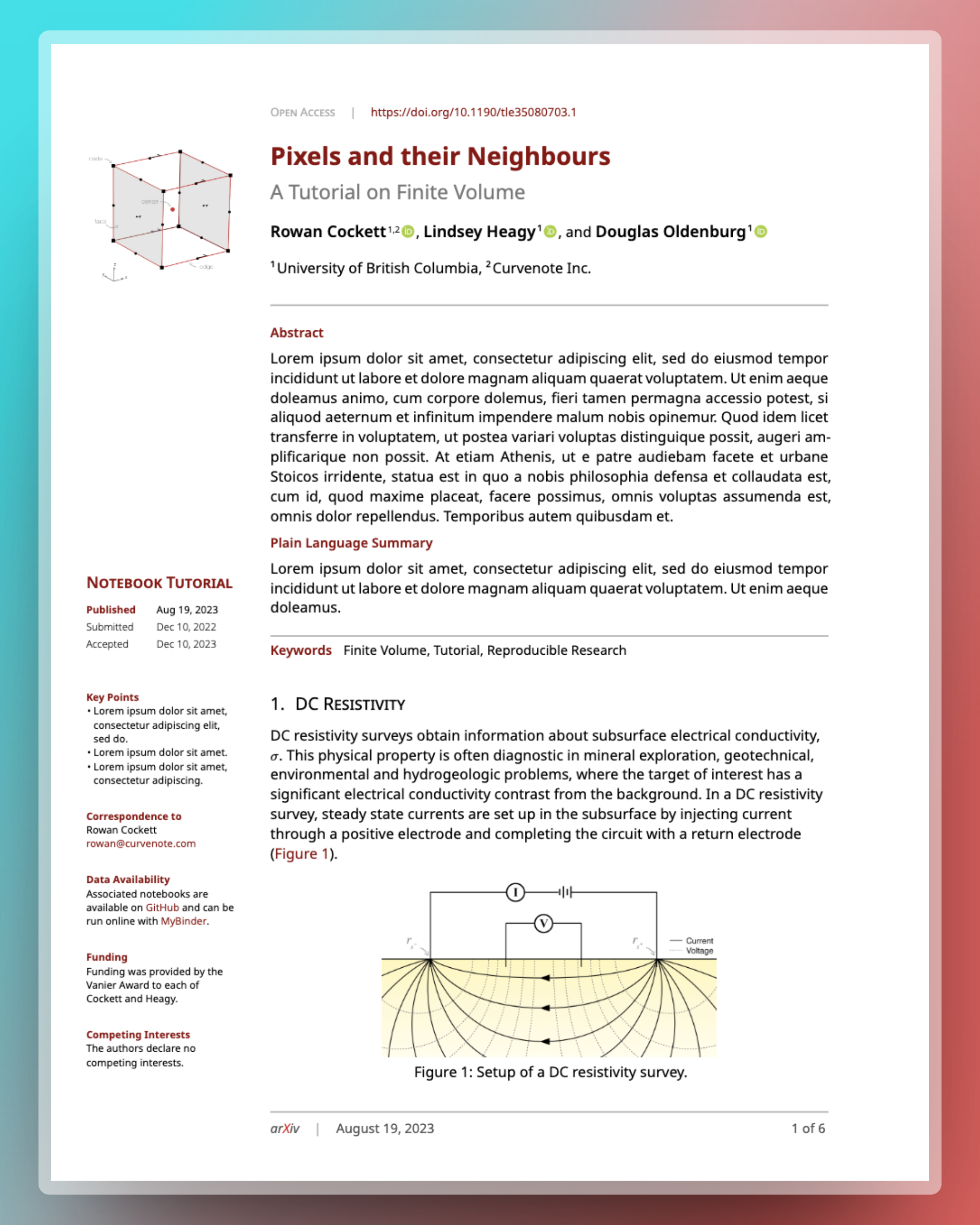
lapreprint-typst uses Typst and needs no TinyTeX.
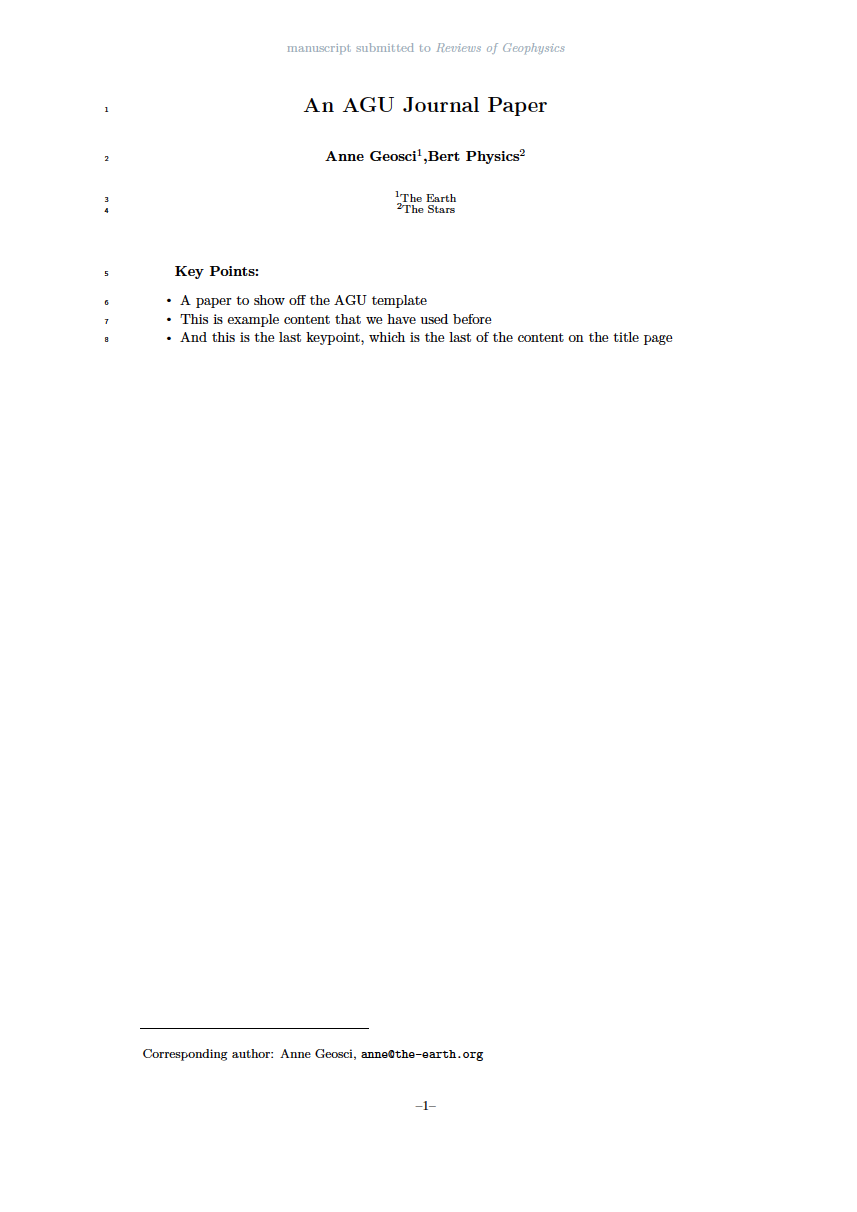
agu2019 uses LaTeX.
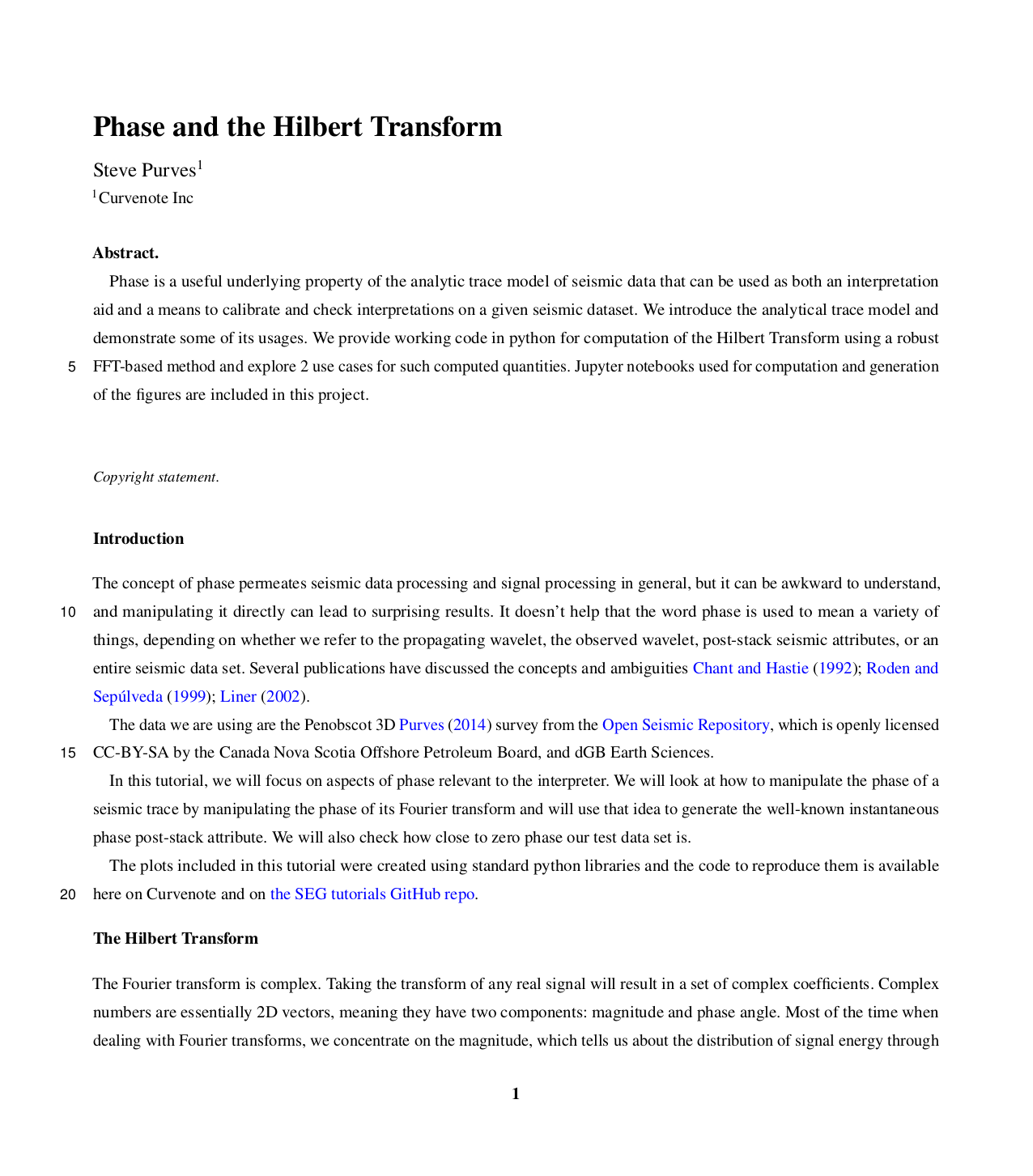
egu_copernicus uses LaTeX.
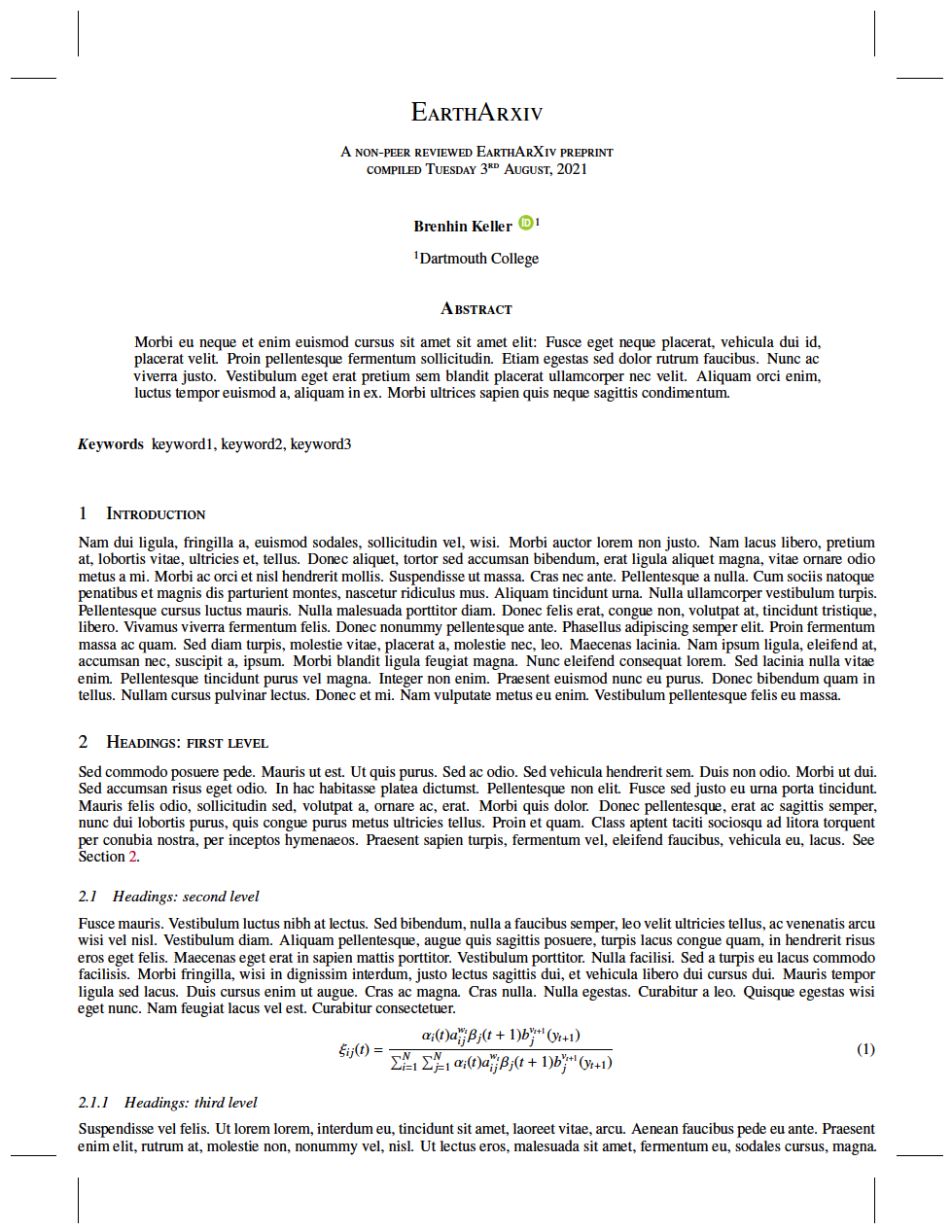
eartharxiv uses LaTeX.
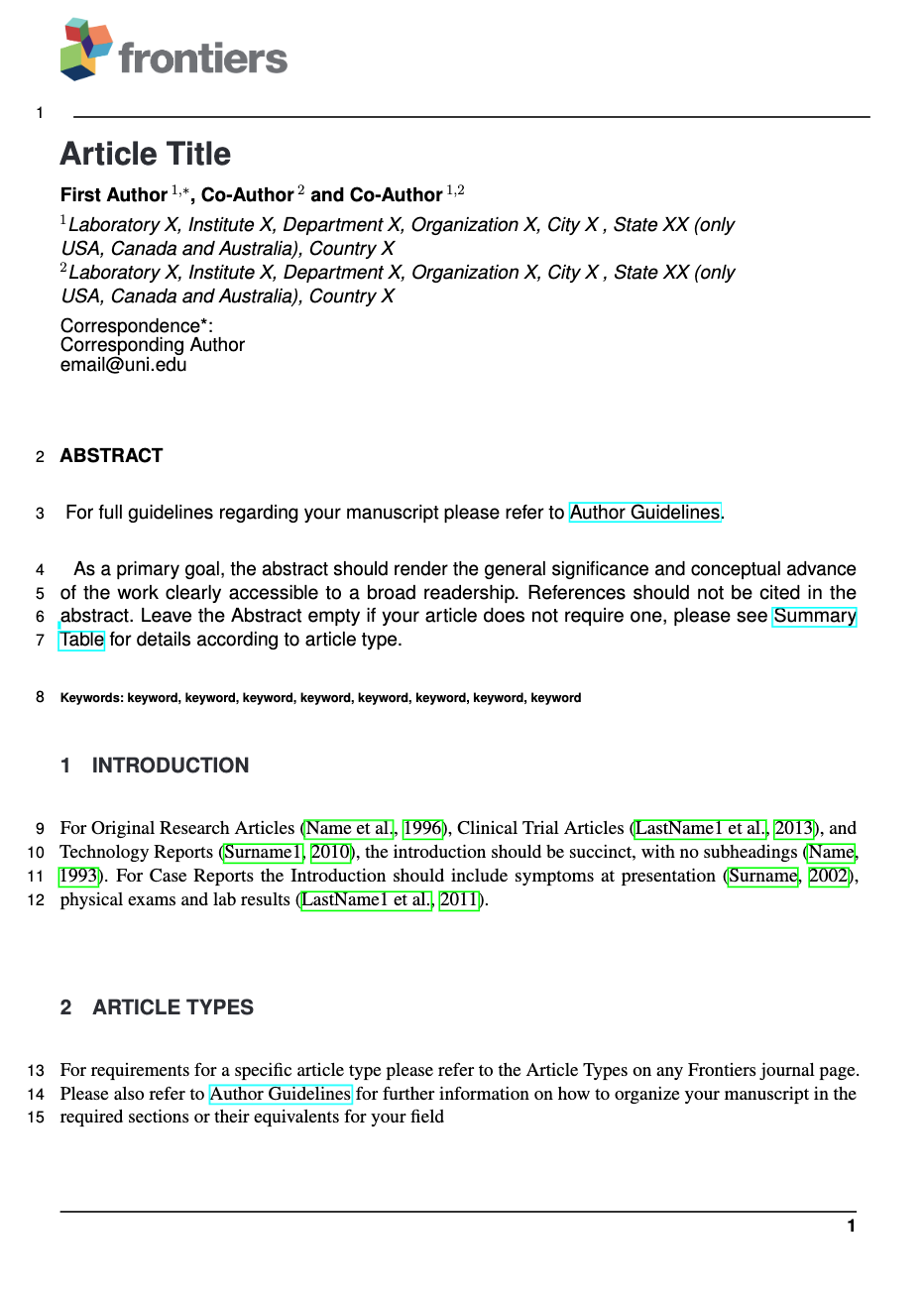
frontiers uses LaTeX.
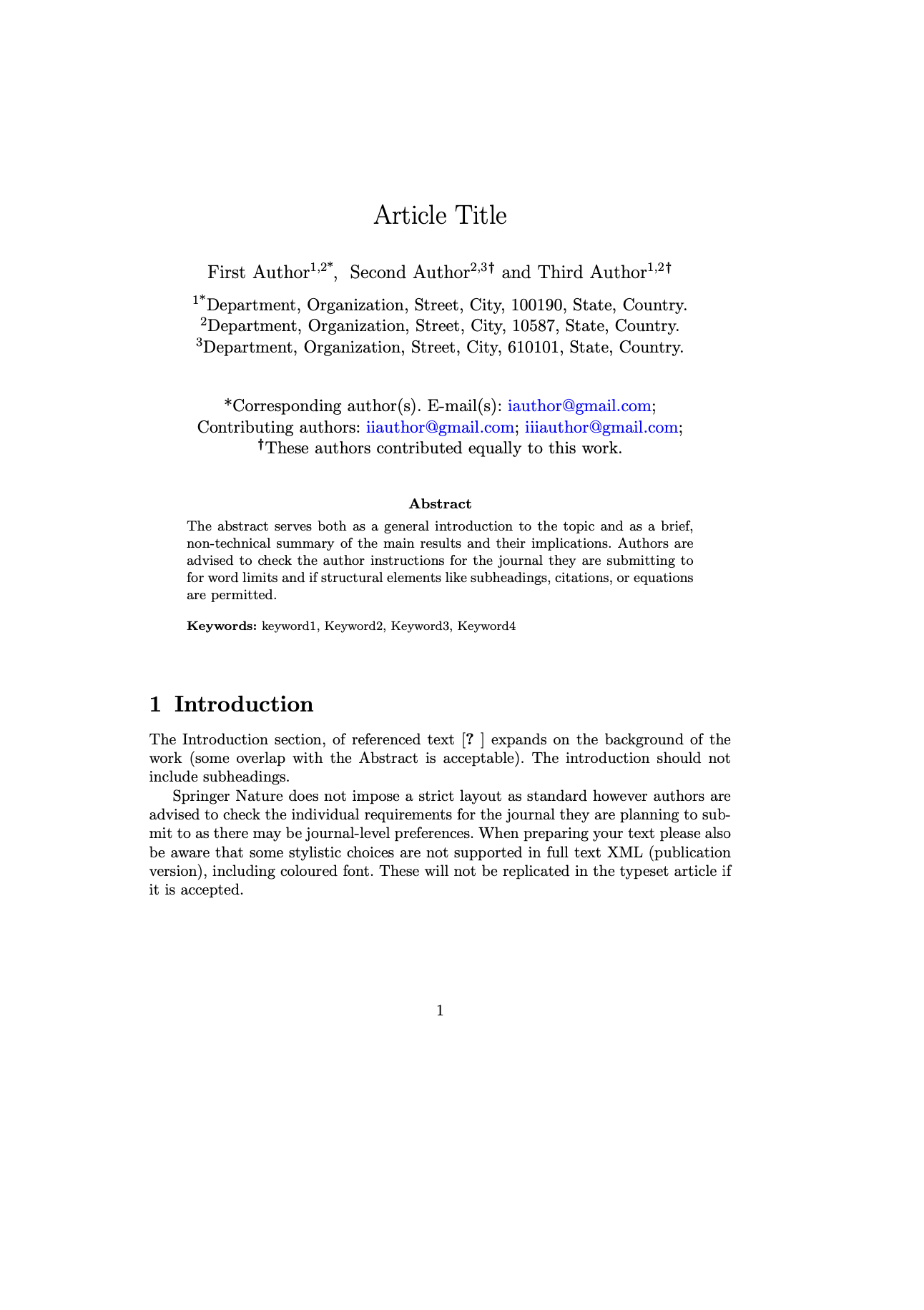
springer uses LaTeX.
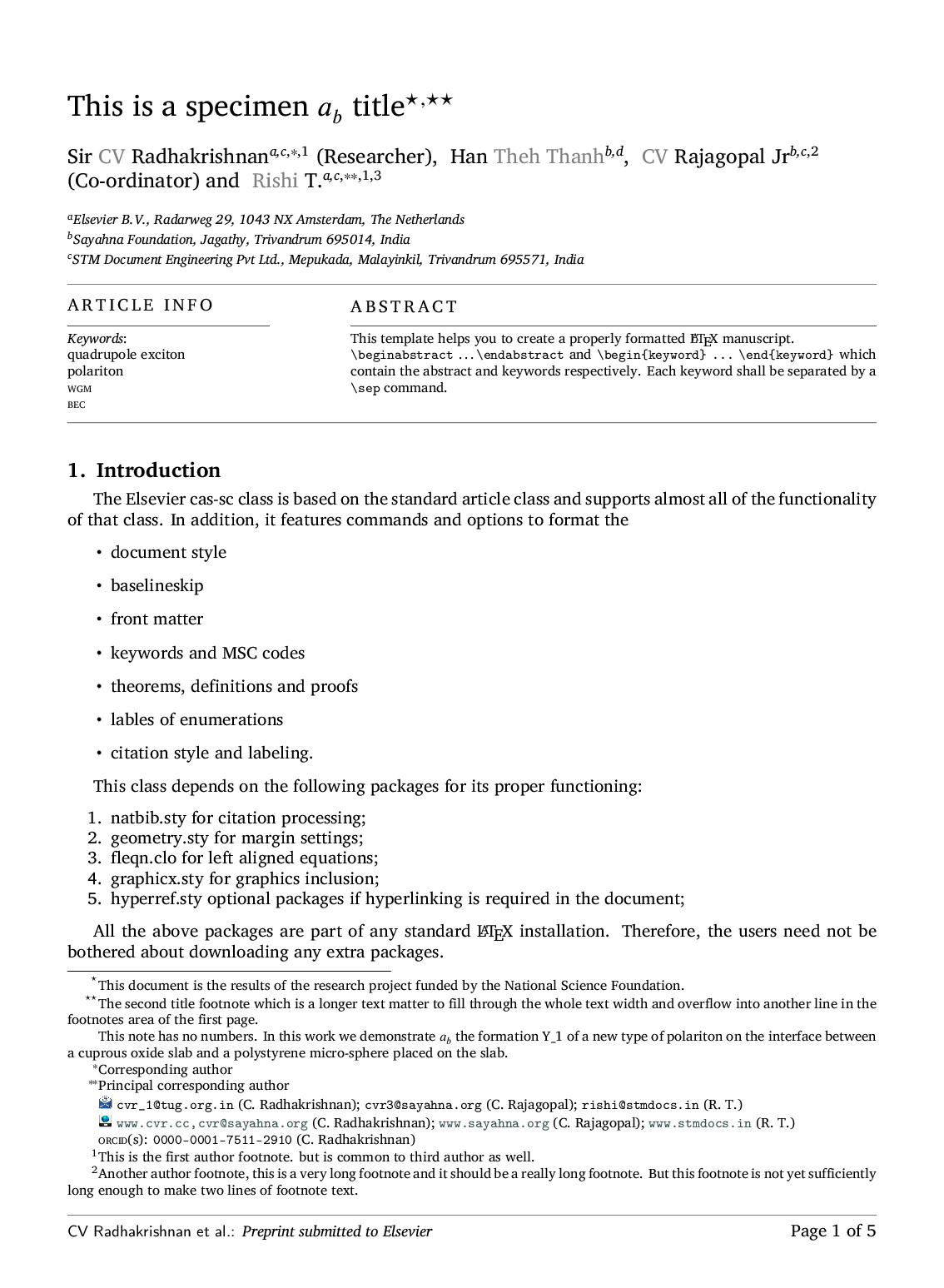
cageo uses LaTeX.
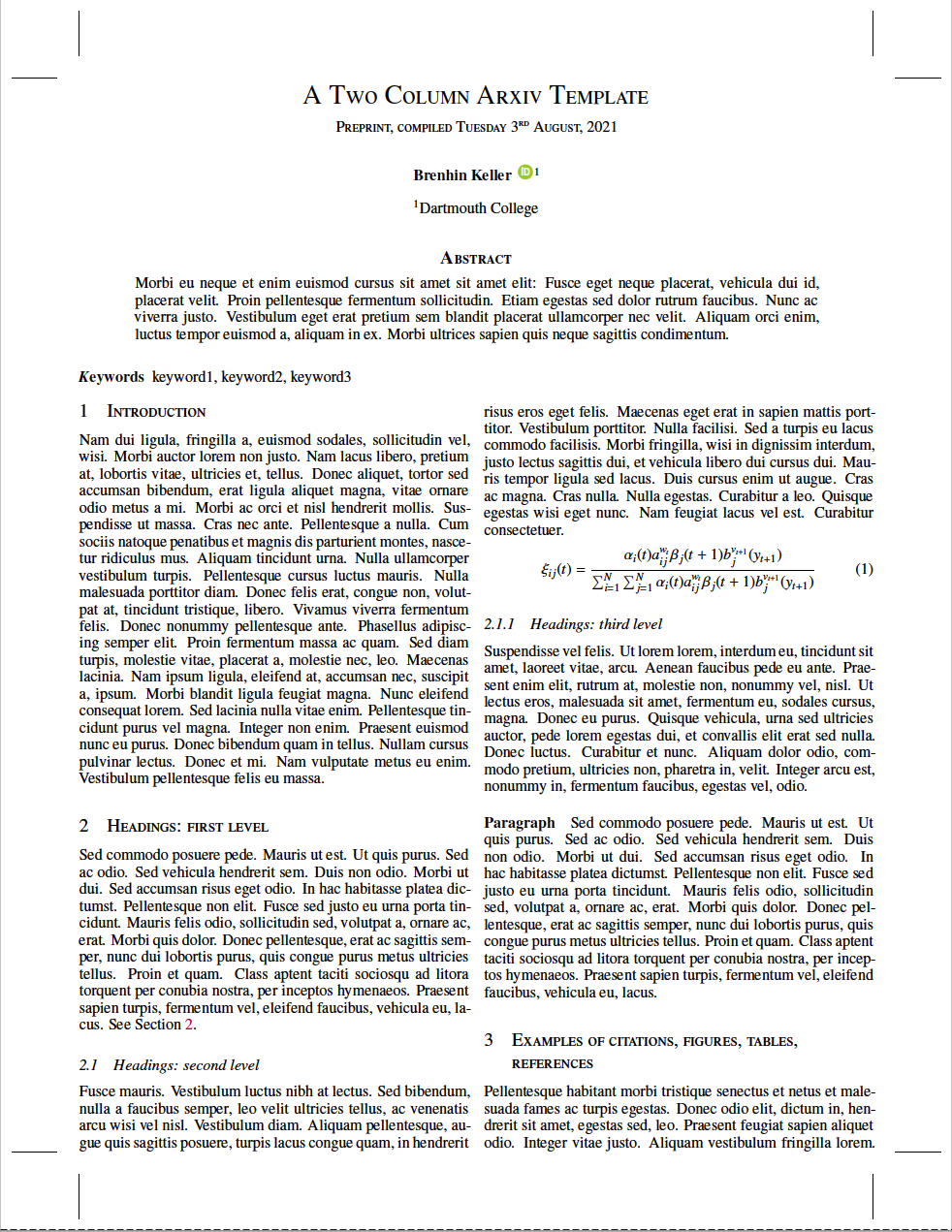
arxiv_two_column uses LaTeX.
plain_latex uses LaTeX.
Templates that use LaTeX need TinyTeX. The
MyST exports guide explains the options, and
Kilo Code can list every template with myst templates list --pdf.
Setup
MyST needs to be installed once, and it needs to find the Typst program that comes with Quarto:
Set up MyST in this repository. Run `pip install mystmd`, then link Quarto's Typst
with `ln -s /usr/lib/rstudio-server/bin/quarto/bin/tools/x86_64/typst ~/.local/bin/typst`.
Run `myst init` and answer no when it offers to start a server. Add `_build/` to
.gitignore.
Front matter and exports
MyST reads front matter from the first Markdown cell of the notebook, not from a raw cell
as Quarto does, so use one tool or the other for a given notebook. The exports list names
each format, template and output file:
---
title: Climate change in ESA listing rules
authors:
  - name: Your Name
    affiliations:
      - UC Berkeley
affiliations:
  - id: UC Berkeley
    institution: University of California, Berkeley
license: CC-BY-4.0
abstract: |
  We count listing rules that name climate change as a threat.
exports:
  - format: typst
    template: lapreprint-typst
    output: exports/esa.pdf
---
Build the PDF exports in the front matter of esa.ipynb by running
`myst build --typst` in the terminal (or `myst build --pdf` for LaTeX templates),
and tell me about any ⛔️ lines in the output.Hiding code in MyST
MyST hides code with cell tags, which can be written as a #| line at the top of a cell:
#| tags: [remove-input]hides the code and keeps the output.#| tags: [remove-cell]hides both.#| label: fig-shareand#| caption: ...give a figure a label and a caption.
MyST does not understand Quarto’s #| echo: false, and Quarto does not understand MyST’s tags.
Required fields
A journal template can require fields that a plain report lacks. For example, agu2019 asks
for a journal name and key points:
parts:
  keypoints: |
    - Listing rules name climate change more often after 2005.
  data_availability: |
    Listing rules are from the Federal Register API.
exports:
  - format: pdf
    template: agu2019
    journal_name: Geophysical Research Letters
    output: exports/esa-agu.pdf
MyST prints a ⛔️ line for each missing field. Templates are maintained separately and some lag
behind new versions of Typst and LaTeX. In our tests lapreprint-typst built cleanly,
ieee-typst failed with the current version of Typst, and agu2019 produced a PDF while
reporting LaTeX errors on tables. Check every page of the result.